Monday, April 18, 2016

Competitive formative quizzes on-line

by Kirsten Fletcher

There are so many incredible resources out there to keep students engaged. Here is a brief overview of a few that I have tried recently.

Kahoot.it
This game is fast-paced and teacher-driven. Students are generally motivated by the competition, music, and running timer. See Rachel Barry's blog post for details on how it works.


Quizlet Live
A big shout-out to Rita Sayre who first presented this game to our staff at our last in-service day. Quizlet Live requires very little prep and is easy to use. The beauty of this game is that you don't have to create quiz questions because you can use flashcards that you have already created.

How to play:

  • Go to Quizlet.com and open a set of Flashcards. (It is possible to search and use flashcards created by others.)
  • Click the purple "Live" button
  • Students go to https://quizlet.com/live and type in the teacher's code. As students sign in, they are automatically assigned to a team.
  • Start the game.
Open any flashcard set and click "Live"

Students simply enter a game code at quizlet.live


How it works:

  • Quizlet Live assigns students to teams of 3-4. Students then move to sit with their team since the correct answer only appears on ONE team member's screen at a time.
  • Teacher computer can project the leader board. 
  • One wrong answer sends a team back to the beginning.
  • At the end of the game, team members see what they knew well and what they need to work on.
  • If you are trying to have small groups play (for stacked classes or stations), you must have at least 6 kids to play.

Quizalize.com
Thanks to my colleage at RMHS, Sara Kahle-Ruiz, for telling me about these next two resources. Like Kahoot, Quizalize allows you to create your own quizzes or search ones that have been created by other teachers. Some of the quizzes in their "marketplace" are free and others are paid.

Getting started:
  • Create an account at quizalize.com.
  • Search Marketplace or click Create a quiz
  • Make up a title. Add multiple choice questions and answers.
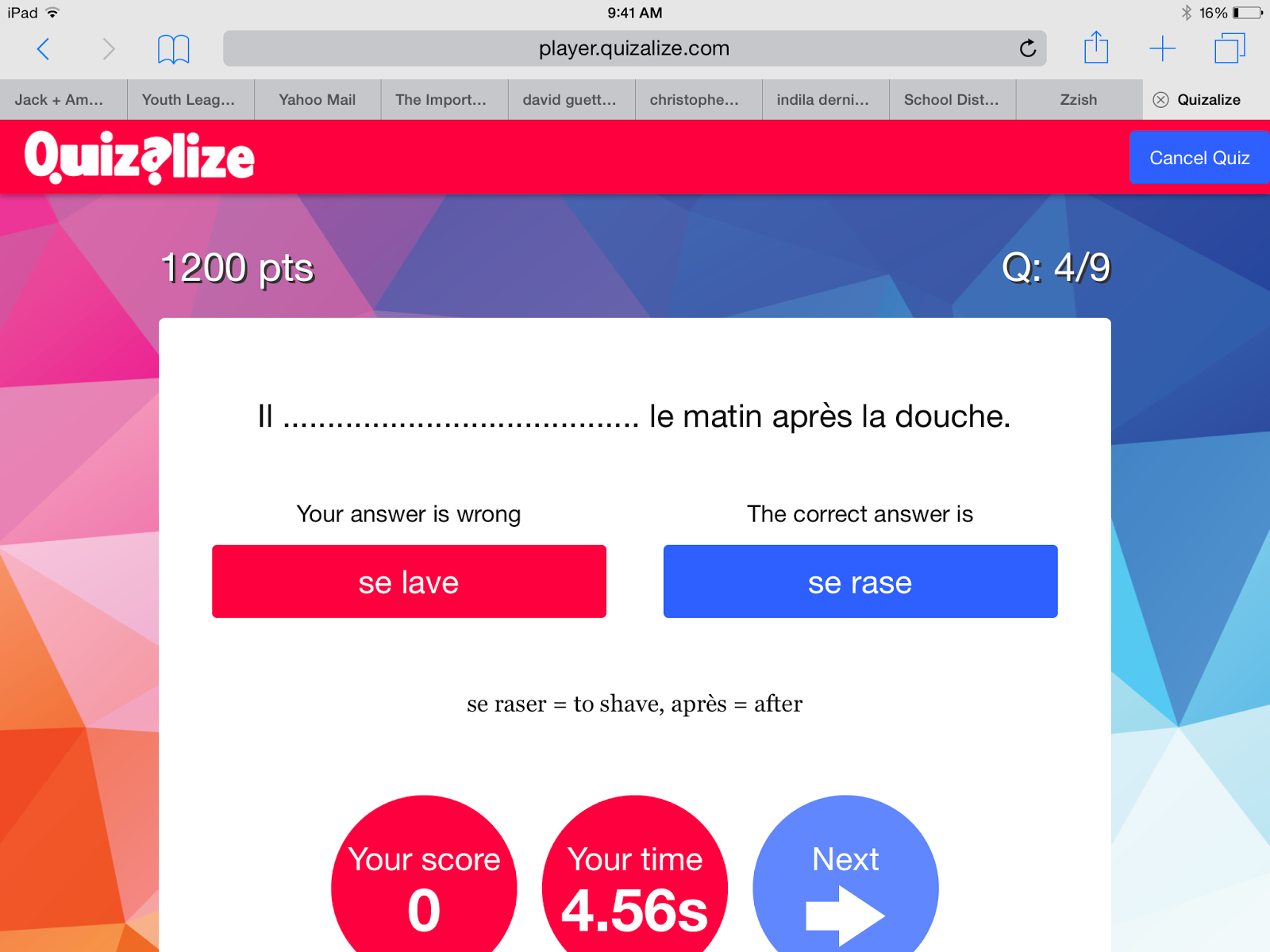
Students get feedback after every question
How to play:
  • Select a quiz and assign it to a class. (You need to create a class where students can sign in.)
  • You can also assign any quiz in Homework mode.
  • In homework mode, the teacher can click a "mastery" setting. Any question the student misses will be repeated (multiple times). 
  • Each class has its own code. Student's go to quiz.al and enter game code.
  • Students will be asked to enter their name. When they do, Quizalize saves it for next time. The second time they play, they will choose their name from a menu. Have students choose a name they will remember.
  • Start the game. In Homework mode, students start when they are ready. 
  • When a student gets a wrong answer, an explanation will appear if one was entered when creating the quiz.
Students get a summary of their responses at the end


Comments:
  • Quizalize now works through Zzish. It can be cumbersome to toggle between Quizalize and Zzish.
  • Both teacher and students can see a report at the end of their results. If they were working in "mastery" mode, the report shows how many attempts it took them to get an answer right.

Quizizz.com
Like other on-line quizzes, Quizizz allows you to create your own questions or search quizzes created by other educators.

Getting started:

  • Create a free account at Quizizz.com
  • Click on "Create" to begin your own quiz.
  • Click on "Public" to browse published quizzes. If you find one you like, you can duplicate it, then edit or play as-is with your class.
To play:
  • Log in to your account.
  • Click on "My Quizizz", select the one you want to play, and either click "Play live" or "Homework".
  • Students will be given a class code. They go to join.quizizz.com and enter the code. No need to make an account.


Assign any quiz as a game or homework.
Choose settings and select memes


Comments:
  • You can assign any quiz as an in-class game or homework
  • Quizizz gives each student an avatar. They need to enter a name. Since the name is displayed to all players, you may want to have them enter initials.
  • Kids can work at their own pace. Points depend on speed and accuracy. They can see the avatars of other students move across the screen as they answer.
  • Teacher can create memes for right and wrong answers. The funny memes that pop up after each response help keep kids engaged.
  • Students can see all questions at the end of game to evaluate how they did. Quizizz displays both their answer and the correct answer.
  • Reports are saved in your account so you can go back and view them when you want.
  • In homework mode, a student can repeat the quiz. A new avatar is assigned and they can race their previous score.

Students can see their results from their first try when they play again.

Students can see results from both attempts.


Have an idea for another on-line quiz? Please share!

Friday, April 15, 2016

What's the purpose of warm-ups?

By: Rachel Barry

I start off class everyday with a warm-up.  The only exception to this is a day we have an assessment that may take the whole class period.  Many days I hear groans from students, complaining when I ask them to begin the designated warm-up for the day.


This year, I have a student who is very vocal about the dislike of a warm-up.  She eventually started asking why she has to do a warm-up if she's doing all the necessary work for the course.  The best line she said to me was "Why do I need to do this, if it's not going in the gradebook?"

Ah ha!  This hit a nerve with me.  In big picture terms, I am working to transition my students away from grades-based learning into mastery learning.  This comment felt like a giant leap back for me, but this idea is a whole other blog post in itself.  In small picture terms, I realized that I hadn't provided my students with the proper reasoning of why I ask them to complete a warm-up every day, and how my explanation of this could really change their attitudes while working on a warm-up.

In response to this student, I used an analogy.  Ironically, I had this student on the cross-country team that I help coach in the fall.  I asked her, "Would I have you run a race without ever having practiced before?"  She responded, "No."  Then, I asked her, "Would you race well without a warm-up run, some movement stretches, and loosening up your muscles and joints?" to which she responded ,"No", again.  At this point, she started to see my point.  I discussed with my students how my class mimics most of the activities they enjoy (sports, band, choir, dance, etc), and how it wouldn't be fair to me to expect them to jump right into content without pulling in prior knowledge.  Since the discussion, it seems that there is more "buy-in" during warm-up time with my students.

To fellow teachers and administrators, I have a bit more to elaborate on my reasoning for warm-ups (besides that this has been said to be "best practice", and I was told to in my first year of teaching...).  The truth is, the warm-up determines my instructional practices for the day.  This is especially important since I have switched to an individualized curriculum.  Students are working at different paces and subsequently on different math problems, so warm-ups provide a formative check for me to know who I need to spend more time with that day.  This then drives the purpose for the class: whether I need to address common mistakes with the class as a whole, if I need to touch base with students in small groups, or maybe I will be working with students on a more 1-on-1 basis.

Another great aspect of warm-ups are that they allow for students to "settle into class".  This provides students with the time necessary to change gears from their prior classs, ease their mind of what may have occurred during the passing period or the night before, and get ready to learn some math!

Wednesday, April 13, 2016

Using Replay App for Student Documentaries

By Kim Miklusak

For the Contemporary American Texts class, John Bottiglieri has his students create their own documentary.  You can find more information on the assignment here.  Mr. Bottiligieri allows students to pick whatever technology they would like to complete this assignment in order to meet the rubric requirements.  Traditionally students use iMovie and their iPads as we are a 1:1 school. Around this time of year you will see students setting up tripods in the hallway, interviewing people or speaking (and often re-speaking) into the iPad.  They then head back to class to edit and finish their projects.  If you would like to see student samples, please let Mr. Bottiglieri know!  Many are available only as files right now although we are hoping to make some available through YouTube in the future.

One student, Sarah Pauscher, was frustrated with iMovie, so she worked with the app Replay to create her documentary.  Check out her project about Chemotherapy.  Here is what Sarah had to say about the app and the process:  
"Out of all the apps that I had experimented with, I found that a good amount of them had crashed. Every time that I would use this app [Replay], it never crashed and it was the most interesting of all the apps I had. The app allowed me to incorporate many things into my documentary such as music in the background, text on screen and interesting effects. This app was easy to use and had many benefits to my documentary. This app compared to other benefited my document because it was easy to understand and had many interesting features. One disadvantage to this app was I'm pretty sure there is a limit to how many videos you can add into the whole thing. Other than that, I enjoyed using this app more than iMovie."
Thanks to Sarah's recommendation, I checked out the Replay app.  I can't wait to use it and offer it as an option to my students in American Literature for their American Dream interview project and later in the year for their 20% Time projects.  Look for an upcoming post on how to use Replay and more suggestions for the classroom!

Tuesday, April 12, 2016

Matching Assessment Methods: Lead Learners #6

By The CollabLab Team

Yesterday's focus in Lead Learners was based on these two essential questions:


1.  How do we create conditions that maximize mastery of learning?
2.  How do we maximize student learning through sound assessment design?

The majority of our time was spent discussing the concept that assessment methods are not interchangeable.  Thus, we talked about the most relevant assessment method to be used for the type of learning target being assessed.  This helps to ensure accurate assessment results.  The four assessment methods are 1) selected response, 2) written response, 3) performance assessment, and 4) personal communication.

In groups, we did an activity where we were to match the strength of each of these assessment methods for the four types of learning targets.  See the grid below:

Many of us were surprised with the research-based results (provided below).  This spurred very interesting dialogue, especially when looking at different content areas!


Following this dynamic discussion, we had four groups of teachers share lesson demos. The first was our Bio team of Quinn Loch and Krista Glosson who discussed how they restructured their standards to increase a focus on key domains.  They also shared how they report grades both formatively and summatively in a non-standards-based online gradebook to communicate the most accurate information on achievement to students and parents.

Our second lesson demo was by Kim Miklusak, discussing the evolution of changes in the AP English Language grading rubrics from 4-degrees to 3 in order to clarify definitions of mastery and proficiency.  This rubric also mirrors the biology rubric to help increase cohesiveness of skills between content areas. 


Next, Bonnie Kale shared the idea of having one essential question in Honors Written and Oral Communications for a unit.  This unifying element allows for students and teachers to synthesize information and skills in order to maintain a focus throughout an entire novel.  This also allows the team to reloop through writing and reading skills all centered around one theme.


Finally, Sandra Lee and Katie Winstead shared how they differentiate formative feedback in Prep World LiteratureThey build in elements of a pre- and post-test as well as clear learning targets in order to allow them to modify instruction to meet the needs of a wide range of student ability levels.  Regardless of grammar ability, all students learn the same materials at a different pace and with targeted teacher support.


Thank you to everyone who presented and participated yesterday!  We are looking forward to more conversations in upcoming PLTs and at next month's presentation!  To learn more, follow the #EGLLT hashtag on Twitter or stop into the CollabLab for more conversations!

Monday, April 11, 2016

Writing Workshops with AP samples

By Kim Miklusak

As we approach AP testing, I wanted to do one last series of activities with my students to bring together all of the individual skills we have been practicing.  Because we have three different essay types--argumentative, analytical, and synthesis--I planned out 3-day sequences once a week that dig into the details of each type of prompt.

My goals were many, but the main ones included
1.  To have students analyze and plan additional examples of AP prompts for each type
2.  To have students read, analyze, and score AP-provided and peer samples of essays types
3.  To have groups analyze documents and planning in a small, like-group settling in order to facilitate additional ways to think about planning and answer more questions

On the first day of the sequence, students read, annotated, and planned an AP sample on their own.  They then discussed their thinking with a small group and planned out their thesis, main ideas, and evidence.  They reviewed the three AP samples in small groups and scored them using the 1-9 holistic scoring guide.  We finally came together as a large group to discuss why each was scored the way it was and to work through any confusion if their scores were more than one point off.

On the second day they started class by writing on a giant sticky note on the front of the board: "What do I need to do to be successful on this essay type?"  We discussed the key points to focus on meta cognition and goal setting and to clear up any last minute misunderstandings.  For example, one thing I've really been working on with them this year is to do the best essay they can do in 40 minutes.  Too often I think they focus on wanting to do the best essay they can possibly do and either don't finish in time or over-think, causing a sort of brain-lock.

Using holistic scoring guide to peer- and self-assess
On the third day students returned to their groups.  They reviewed and analyzed the AP samples to set anchor papers followed by three of their peers' essays, providing a 1-9 score and rationale.  Again, if any paper was scored more than 1 point off from the others, they were asked to discuss and come to an agreed upon score.  Finally, the students re-read their own paper, making notes, and determining if they believed they got a 6 or above, in which case I should review it, or if they wanted an additional--third unseen prompt--that they can return to me by next week.  Although this doesn't have the benefit of a timed setting (I certainly encouraged them to do so), it does provide them with a third and final samples in addition to a set of anchor papers to continue to receive feedback on their work.

Friday, April 8, 2016

Redefining Ready Scholarship: Student Perspectives

By: Kim Miklusak & Rachel Barry


District 214 has introduced a new scholarship opportunity for current seniors.  The District 214 Foundation is offering a $1,000 Redefining Ready Scholarship in a new and exciting format: a video!  For students to apply for this scholarship, they are to submit a 30-second video on how they found their career path and post it to Twitter with the hastag #redefiningready. 


We, Kim and Rachel, got involved in this project when the teacher of the Teacher Internship Class asked us to step in to show multiple apps for students to use to create these videos.  The apps included Adobe Voice, Explain Everything, Educreations, and ShowMe.  We showed students how the apps worked and what videos from the apps looked like and then discussed with them the pros and cons of each based on what they wanted to accomplish with their project.

Students were then given time over the next few weeks to work and explore the apps to see which would best tell their story.  Here are some finished student samples:


Here is what Jasmine had to say about the process:  
As soon as I heard about the #RedefiningReady Scholarship, I wasn't so sure, if I would want to record myself, because I am not a good speaker when it comes to recording myself, or me being recorded with a device. Then when I found out I have 2 of my classes that are giving us an opportunity to work on the Scholarship in class, I was starting to consider working on it. The next step was finding an app that I could use for the recording, which was not hard at all. I already had iMovie on my ipad for a previous class project. I then had to start writing a script and find pictures and music of what I wanted to say in the scholarship that shows that I am Redefining Ready. I changed my mind on what I wanted to talk about so many times! Once I got my script written out, I asked my brother to help me record myself [but he didn't, so] I had to figure out how to use voice over on imovie. It took me about 26 tries to get the right video that I wanted. i enjoyed making this Scholarship. I learned many new skills that I have never knew how to use them. I encourage all seniors this year and in the near future to take this opportunity.
More information about the scholarship can be found here.

Thursday, April 7, 2016

A Student Perspective on AP US History Scoreboard

By Xochitl Soto, Junior at Elk Grove High School


 The AP US History teachers are using a new app in their classes to help students review for next month's AP exam.  Last week, the Collablab assisted the AP US History team in setting up the new app. The app is called MME Connect, and teachers are able to assign questions for formative review in preparation for their AP exam.  Since then, a student wrote a review of how it is impacting her prepare for the exam.  Here is that review:


I found the AP US History Scoreboard app to be very useful in the way that it offers many different types of review practice sets. The adaptive review is categorized into time periods and each time period has ‘learning missions’. I really like this because the learning missions are based on time and efficiency. For example when I'm short on time I would do the ten question set or the four question set, related to the time period, and each set has an adaptive setting that according to my confidence level it would repeat questions to assure that I've learned them. With a little more time I can sit down and to do the full assignment in one go. The Scoreboard app also includes multiple choice, short answer, document based and long essay exams; all of which I wouldn't have been able to thoroughly studied on my own. In my opinion, the app is a way better use of my time when studying for the AP test.